Changelog
What changed in each version of Urmi.
On this page
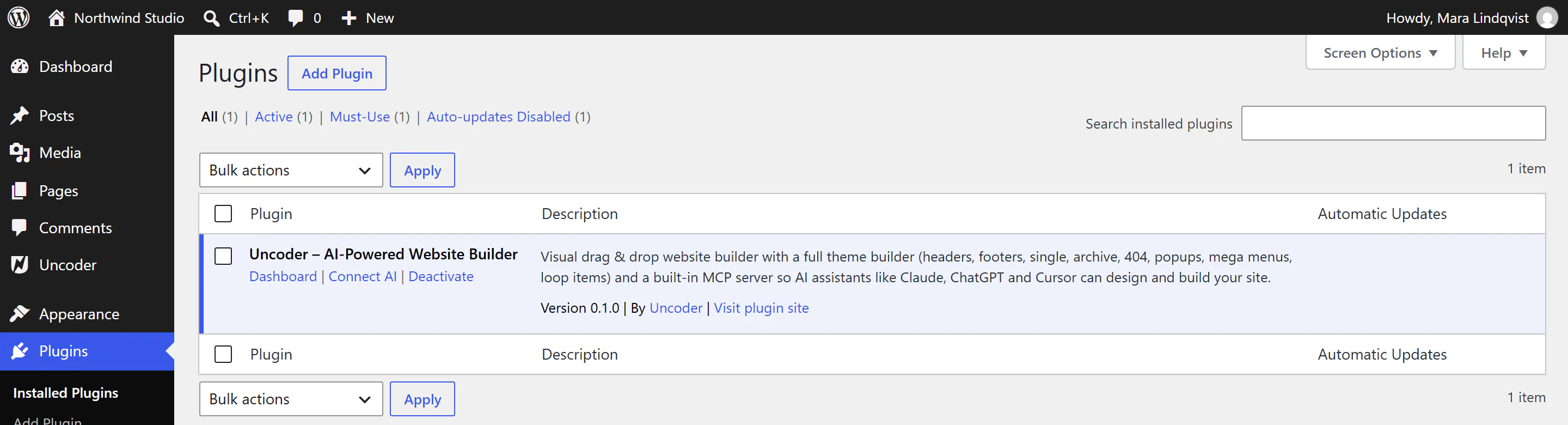
This page lists every Urmi release with what it brought. To see which version you have, look next to the Urmi name at the top left of any Urmi screen, or at Plugins. Click the version number to see this changelog inside WordPress.
0.1.0 — First release
The first public version of Urmi.
Editor
- Visual drag and drop editor with a live canvas, the Insert, Layers, Styles and Page panels, and an inspector with Content, Design and Behaviour tabs.
- Desktop, tablet and mobile editing, hover and other states, classes, copy and paste of elements and styles, history with saved versions, command palette, find and replace, notes, and accessibility checks.
- Flexbox and grid containers, 80 widgets, 40 ready-made section patterns, shape dividers, masks, motion effects, interactions, visibility and display conditions per element.
Design System
- Global colors, fonts, text styles, sizes, buttons and layout, with dark mode, a style book and site-wide behaviour such as smooth scrolling, page transitions and a lightbox.
- Custom fonts, Adobe Fonts and custom icon sets.
Theme Builder and popups
- Headers, footers, single and archive layouts, search results, 404 pages, loop items, mega menus and reusable sections, shown with display conditions.
- Popups with layouts, triggers, frequency and visitor targeting.
Dynamic content and forms
- Dynamic tags, query loop containers, loop grids and carousels with filters, custom fields (including ACF and Meta Box).
- Forms with multi-step layouts, email notifications, auto-replies, webhooks, Slack and Discord, Mailchimp, MailerLite, Brevo and ActiveCampaign, spam protection with optional CAPTCHA, and stored submissions.
AI
- Built-in MCP server, off until you turn it on, so Claude, ChatGPT, Cursor, VS Code, Windsurf and other AI apps can build and edit the site's content and design, with OAuth sign-in, API keys with permissions, an activity log and one-click undo.
- AI writing and AI images in the editor, using the AI provider set up in WordPress under Settings → Connectors.
Site
- Starter sites, site kits, template export and import, and Import from Elementor.
- Cookie consent with Google Consent Mode v2, business structured data, maintenance and coming soon mode, role access levels and an element manager.
- Multilingual sites with WPML and Polylang.
- Performance options, version rollback and system info.