Loop items
Design the card that loop grids and carousels repeat for every post.
On this page
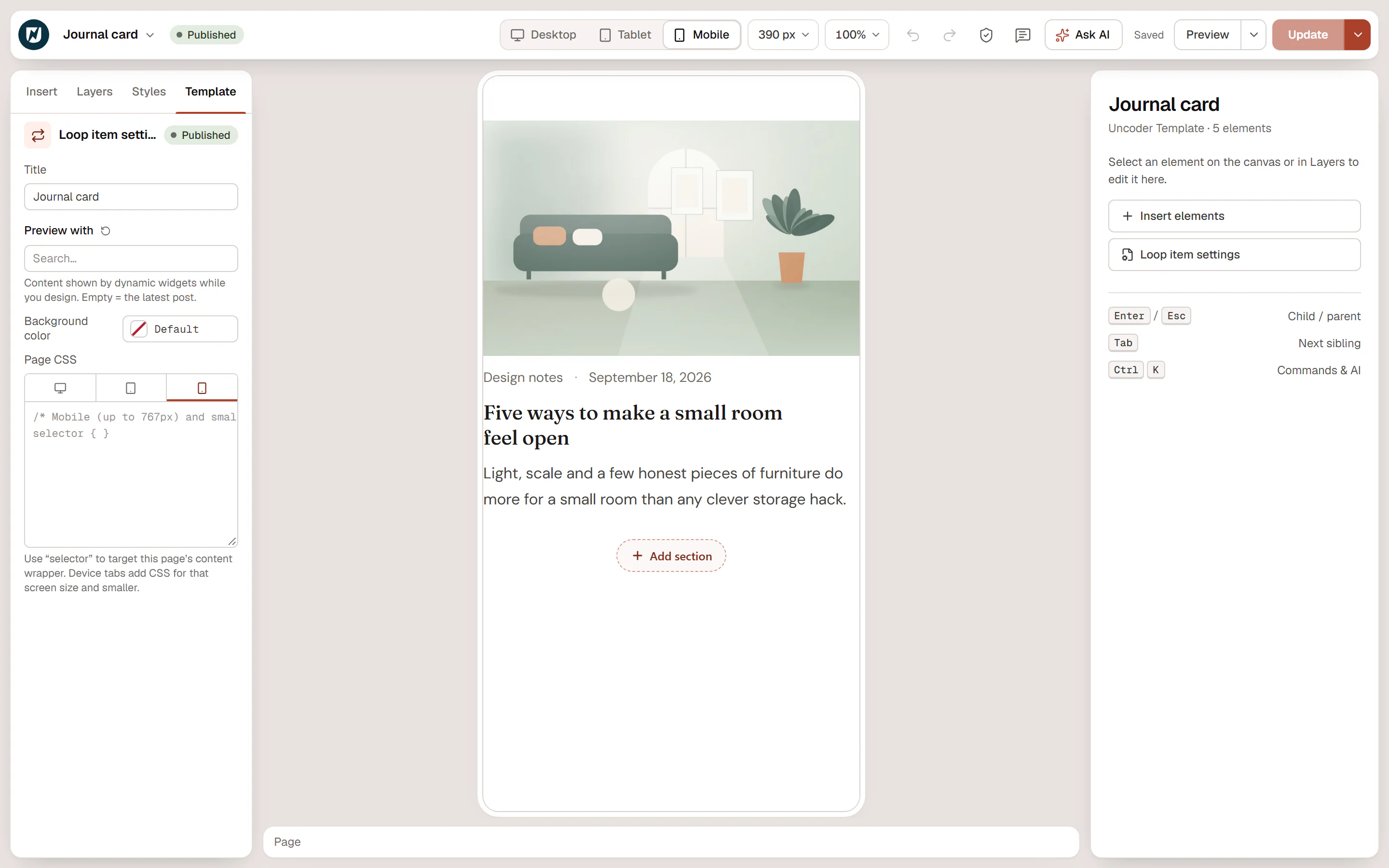
A loop item is the card that a Loop Grid or Loop Carousel repeats for every post: typically an image, a category and date line, a title and a short excerpt. You design one card with dynamic widgets, and each copy fills in with its own post. Change the loop item once and every grid and carousel that uses it updates.
Design a card
Create the template
Go to Urmi → Theme Builder → New template, choose Loop item, name it (for example "Journal card") and click Create and open editor.
Add the post's parts
Use theme widgets that read the current post: Featured Image, Post Info (categories, date, author, reading time), Post Title and Post Excerpt. Any other widget works with dynamic tags: a Button with Post URL as its link, a Heading with Post terms.
Check it with a real post
The canvas shows the latest post. To preview with another one, open the Template tab and pick a post in Preview with.
Publish
Click Publish. Loop items have no display conditions: they appear wherever a Loop Grid or Loop Carousel uses them.
Then choose the template in a Loop Grid or Loop Carousel with Loop item template. See Loop grid & carousel.
Tips for good cards
- Design at card size. Switch the canvas to Tablet or Mobile, or pick a narrow Canvas width in the top bar, to see the card about as wide as in a three-column grid.
- Make the whole card clickable. Select the card's outer container, set HTML tag to a (link) in the Content tab, and add the Post URL tag to its Link. Do not put other links inside a linked card.
- Keep headings in order. Card titles are usually h3 under a section title in h2.
- Set the padding yourself. Give the card's outer container the padding, background, radius and shadow of your card in the Design tab.
- Show a different card at some positions. A second loop item can be used as the Loop Grid's Alternate template, for example a wide highlighted card every sixth position.
In the Theme Builder, loop items are listed under Reusable → Loop items, with "Used by loop grids & carousels" in place of display conditions.